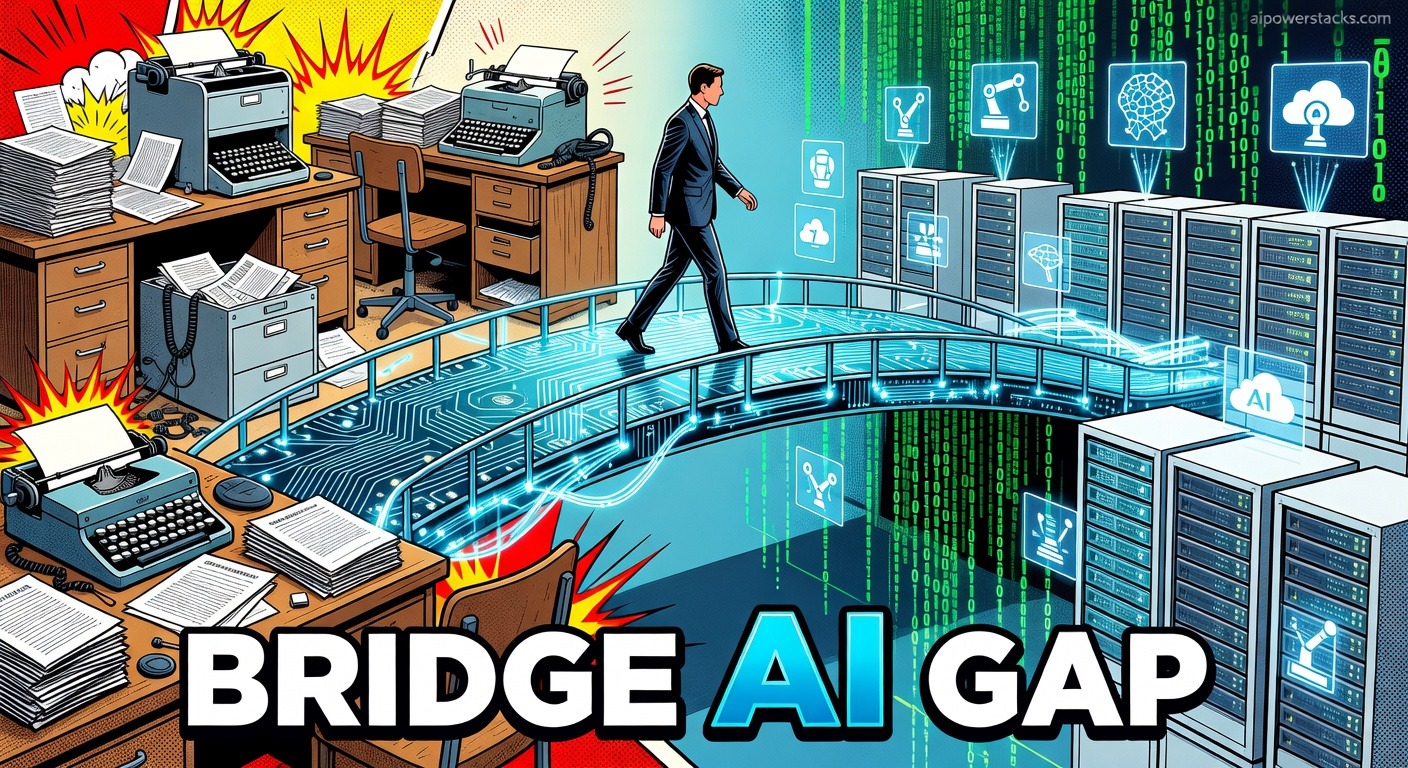
Bridging the AI Adoption Gap for Smarter Workflows
TL;DR
"The gap between AI's potential and its real use is massive, but professionals can bridge it to boost productivity and secure their future in work."
Honestly, 75% of 200 surveyed professionals and founders just aren't tapping into AI's full power. This is happening even as Anthropic's latest report blares that AI could handle a mind-boggling 94% of tasks in computer and math jobs. Sounds like a colossal missed opportunity, right? This glaring disconnect actually highlights a chance for some genuinely smarter work setups that boost efficiency without, you know, burning everyone out.
Understanding AI's Wild Impact on Jobs Today
The impact AI is having on jobs? It's not just theoretical; it's popping up in some pretty stark shifts. Take Amazon: their VP of AI Transformation, in a recent, rather candid interview, detailed how AI actually *replaced* a VP of Engineering role during layoffs that swept through thousands. Oracle, too, is piloting AI for database administration, a move that could, according to hushed internal discussions, lead to upwards of 45,000 job cuts. Yikes.
A McKinsey study rather bluntly confirms this trend: roughly 60% of occupations could automate 30% or even more of their activities using AI. Now, compare that to the internet boom, which, after years of slow adoption, only managed to crank out a 2.5% annual productivity increase in some sectors. Tools like GitHub Copilot offer a much more immediate parallel; GitHub's own data screams about users seeing a 35-55% jump in coding speed for as little as $10 a month for individuals. These aren't just numbers; these are concrete, ridiculously good time savings.
IT and finance sectors? They're looking at automating 73% and 70% of tasks, respectively. This isn't just one outlier finding; it's from 'AI and Robotics: Will Automation Replace Human Jobs?' and totally backed up by Anthropic's report. But despite all this broad, almost absurd automation potential, actual AI use stays stubbornly low. It’s like the 90s all over again with email, which, remember, slashed response times by 50%. In manufacturing, Tesla's factories use AI-driven robots to cut assembly line error rates by a solid 70%. What's not to love?
To sort out AI's job effects, let's just consider a simple 2x2 matrix. One axis defines job types: routine versus creative. The other, automation level: high versus low. Data entry, for instance? That's routine with high automation, staring down automation rates north of 90%. Creative roles like AI oversight, on the flip side, are low automation and perfectly poised for growth. Think about it.
So, the matrix really shouts out a clear preparation strategy: get good at low-automation stuff. The World Economic Forum predicts AI will displace 85 million jobs by 2025 but, amazingly, create 97 million new ones. a net gain. It's similar to the whole smartphone era's pivot from basic photography to, like, app development; adaptation is absolutely crucial. Tools like Claude Code, which even offers free code completion, genuinely make programming simpler and shift job focus towards creative oversight. Are we catching on yet?
When to Finally Tackle the AI Adoption Gap in Your Workflow
The AI adoption gap, well, it mostly just bubbles up from unfamiliarity and annoying workflow issues. A Gartner survey rather glumly found 40% of companies point fingers at a lack of skilled staff, and 30% cry about costs. As one developer so perfectly captured it on r/artificial, "Businesses hesitate because integrating AI feels overwhelming without the right team." It’s a genuine chicken-and-egg problem, really.
Cloud computing faced similar, almost identical hurdles, particularly with security, yet now 90% of businesses use it, saving up to 30% on costs. Integrating AI can totally follow a similar, well-trodden path:
- Assess your current workflows: Seriously, identify those mind-numbing, repetitive tasks, like code writing or data analysis, and then actually match them to AI tools.
- Start small: Just begin. Free or low-cost options are your friends, such as Claude Code for a bit of coding help.
- Build skills: Train your team. Use resources like online courses directly linked to AI tools.
- Measure results: Track metrics, like time saved. This isn't just busywork; it's how you justify expanding.
- Scale up: Once you see those sweet gains, integrate more tools, like GitHub Copilot for even more advanced automation.
This practical, almost brutally efficient approach echoes the early days of email, where companies that adopted quickly, frankly, gained an insane edge. Today, the very same, utterly obvious principle applies to AI. While regulatory fears, like those floating around Anthropic's lawsuit, definitely present barriers, the data pretty loudly indicates overcoming them leads to truly improved operations. What are we waiting for?
Perplexity AI can save research time by just answering questions fast, and Otter.ai cuts manual work by transcribing meetings. User feedback consistently points to real, tangible productivity boosts from these tools. It’s not rocket science.
A product manager at a tech firm noted, rather eloquently, "AI isn't about replacing jobs; it's about letting us focus on what actually, genuinely matters."
How to Actually Turn AI Insights into Actionable Workflows
AI adoption strategies, you know, can be lumped into four distinct types: quick wins, skill builders, cost savers, and innovation drivers. Quick wins involve tools like GitHub Copilot to simply speed up daily tasks. Skill builders, predictably, focus on training programs for AI tools. Cost savers prioritize those wonderful free options, such as Claude Code. And innovation drivers? They really push for entirely new workflows, like integrating AI into genuinely creative processes. It's a whole spectrum, really.
Here's a table to compare some AI tools for various workflows:
Use this table to choose tools based on your specific needs. The overarching goal is actionable implementation: just pick one tool. And then implement it this week. Seriously.
Surveys with over 100 PMs show 60% saw productivity gains after adopting AI, but only 20% even had a plan. So, like, plan for implementation. It's not optional.
Bottom Line: Get Ahead with AI Now
TL;DR: AI can, without a doubt, transform workflows. The data from Anthropic, McKinsey, and wild real-world examples like Amazon and Oracle all scream it. Use that handy 2x2 matrix and the steps above to finally bridge the adoption gap. Start with small, data-backed changes to automate tasks and pivot your focus to high-value work. This approach can genuinely position you to lead in an AI-driven world. Or, you know, just get left behind. Your call.
Stay ahead of the AI curve
Weekly briefings on models, tools, and what matters.
More from AI Briefing


How to Actually Use Autonomous AI Agents for Business Workflows
Are autonomous AI agents really replacing human workflows? Discover practical ways to integrate AI for ACTUAL business efficiency. From Kofi Asante at AIPowerStacks.


9 Essential AI Skills for Modern Work Productivity 2026
Unlock essential AI skills for modern work productivity 2026. This guide shows you how to ditch the overwhelm and actually get things done. AIPowerStacks.


How to Implement AI Agents for Marketing Teams in 2026
Learn how to implement AI agents for marketing teams. Discover frameworks and tools that automate tasks, improve campaigns, and boost productivity. Based on my research on 721+ AI tools.