
Blog
@yaradominguez
TL;DR
"Struggling with AI coding costs or privacy? Learn how to use local AI coding tools in VS Code for free. Get real insights and cut your tech stack spend."
The market is buzzing with talk about the AI bubble bursting. You see YouTube titles like "The AI bubble is bursting" racking up tens of thousands of views in less than a day, and honestly, the sentiment is understandable. Investment rounds are slowing, some startups are struggling to find product market fit. But for developers, particularly those looking at AI coding tools, the story feels very different. In fact, a quiet revolution is brewing, focused not on massive cloud spend, but on bringing AI closer to home, right into your VS Code editor.
I think the idea that AI is somehow faltering completely misses the point of what is happening in developer communities. While venture capitalists might be tightening their belts, developers are actively seeking out more powerful, more private, and often, more affordable ways to integrate AI into their daily work. This isn't about a bubble bursting. It's about maturation and a shift in priorities.
For a long time, the conversation around AI coding was dominated by big cloud players. You had GitHub Copilot, a game changer, no doubt, but one that operates entirely in the cloud. It means your code, your context, your intellectual property, is sent off to some remote server. For many developers and companies, that is a non starter. Concerns about data privacy, security, and even just the sheer latency of round tripping requests can be significant.
But a new wave of tools is changing the game. Videos like "Paying for AI Coding: Turn VS Code Into a Private Local AI Lab (Ollama + Continue Extension)" are not just trending, they are showing a clear path forward for developers. They highlight the power of running large language models locally on your own machine. This is a huge deal. It means you retain full control over your code and your data. No more sending proprietary algorithms or sensitive project details over the internet just to get a code suggestion.
The integration of AI coding agents into VS Code is not just about convenience. It's about sovereignty. Tools like Ollama allow you to download and run various open source language models right on your desktop. When paired with an extension like Continue.dev, your VS Code instance transforms into a truly private AI lab. This setup provides a level of control and security that cloud based solutions simply cannot match, according to developers I have spoken with in online forums.
I was genuinely surprised by how easy it has become to set this up. A few months ago, this felt like a niche for hardcore enthusiasts with powerful GPUs. Now, with streamlined tools and better optimized models, a decent modern laptop can handle a lot of the heavy lifting. The idea of "free local AI tools and resource setup guide" is no longer a pipe dream. It's a practical reality.
The debate is heating up. "GitHub Copilot vs. Continue.dev: Why Local First AI Wins" is a popular topic because it highlights a fundamental philosophical difference. GitHub Copilot, while incredibly powerful and widely adopted, still demands a constant connection to Microsofts servers. It is a fantastic tool for many, but it's a black box. You don't know exactly what model is running, or how your data is being used beyond the general terms of service.
Meanwhile, Continue.dev, especially when configured with Ollama local models via its config.yaml, offers transparency and customization. You choose the model you want to run. You can fine tune it with your own codebase. This is a game changer for teams working on highly specialized or sensitive projects. My read is that this local first approach resonates deeply with developers who value ownership and control over their environment.
The cost factor is also huge. While GitHub Copilot typically costs around $10 a month for individuals, and more for business tiers, running local models can be completely free beyond your hardware and electricity costs. Our own platform data shows that many AI coding tools, like Obsidian AI, offer free tiers or are completely free. This makes GitHub Copilot seem pricey to some, especially when considering alternatives. If you are trying to cut your AI subscription costs, going local is a powerful strategy. Many developers are looking at their tech stack and realizing they can get similar if not better performance without the recurring bill.
And it is not just about the money. It's about the ability to experiment. You can swap out models, test different prompts, and even tune your own models for specific tasks, all without incurring API costs or worrying about rate limits. This kind of freedom accelerates development and fosters innovation in a way that proprietary cloud services often stifle.
While the local AI scene flourishes, the giants are not standing still. Microsoft recently launched "8 new models in dev conference," showcasing their continued investment in the AI coding space. These are not just any models. One is described as "a coding model plus a thinking model," suggesting a more advanced reasoning capability beyond simple code completion. The models aim for speed, challenging competitors like Composer 2.5, according to the announcement.
Access to these new capabilities is primarily gained through Microsoft Copilot, which is becoming the central hub for Microsofts AI offerings across its ecosystem. This is a classic big tech move: consolidate power and features into a single, integrated platform. It's a compelling offering for developers already deeply embedded in the Microsoft ecosystem, offering a "freemium" experience or paid tiers for more advanced features. Think of it like Notion AI or Raycast AI, offering AI assistance within their established productivity tools.
My read here is that Microsoft is banking on convenience and deep integration. If all your tools, from your IDE to your office suite, are connected by Copilot, the friction to use AI is minimal. But this also reinforces a reliance on a single vendor. It gives developers incredible power, but at the cost of some flexibility and privacy compared to local setups.
The human impact of these big tech moves is something I think about constantly. While these tools undoubtedly boost productivity for many, they also raise questions about deskilling and the future of human creativity in coding. When an AI can generate significant portions of code, what does that mean for junior developers learning the ropes? It is a discussion we need to have, not just about the efficiency of code, but the development of coders.
This evolving space, with powerful cloud tools from giants like Microsoft and innovative local solutions, presents developers with more choices than ever. It means you can tailor your AI coding experience to your specific needs, balancing performance, privacy, and cost.
I don't see the so called "AI bubble" bursting in the developer tools space. What I see is a fierce competition driving innovation and choice. The fact that developers are actively looking into "how to configure Continue.dev config.yaml for Ollama Local Models" tells you everything you need to know about the desire for customization and control.
We are moving past the initial hype cycle where any AI feature was a marvel. Now, developers are asking harder questions: Is it secure? Is it fast? Can I control it? Can I afford it? And frankly, the tools that answer these questions best, whether local or cloud, will be the ones that win in the long run.
For those interested in exploring more about how AI is changing development, I recently looked into I Tested AI Models Rewriting Python Code in 2026, which showed some fascinating results on model performance. And for a deeper dive into agent based coding, check out I Tested GitHub Copilot Autonomous Agents in 2026. The capabilities are truly advancing.
Ultimately, the choice between local and cloud AI coding tools depends on your specific needs, your project's security requirements, and your budget. But the exciting news is, you have more powerful, flexible, and affordable options than ever before. You can browse 600+ AI tools on AIPowerStacks to see the breadth of choices, and even track your AI spend to find where you can save.
Local AI coding tools offer enhanced privacy and security because your code and data never leave your machine. They also provide significant cost savings by eliminating subscription fees for cloud APIs, and allow for greater customization of models to suit specific project needs.
Yes, you absolutely can. Extensions like Continue.dev integrate smoothly with VS Code, allowing you to run local language models like those powered by Ollama directly within your development environment. This turns VS Code into a powerful, private AI coding lab.
No, GitHub Copilot is a cloud based AI coding tool. It sends your code context to Microsofts servers for processing and then returns suggestions. While powerful, this approach differs from local solutions that run models directly on your computer, raising different considerations for privacy and control.
Many local AI coding tools and models are free to use, as they are often open source projects. The primary costs are typically associated with your own hardware, such as a capable CPU or GPU, and the electricity to run it. This can lead to substantial savings compared to recurring subscription fees for cloud based AI services.
Weekly briefings on models, tools, and what matters.


I tested AI models rewriting Python code for efficiency and clarity. See real world results and my findings. Niko Petrov's honest review.
Building a private local AI coding assistant is simpler than you think. I'll show you my step by step setup for secure, free AI code generation. Real commands included.
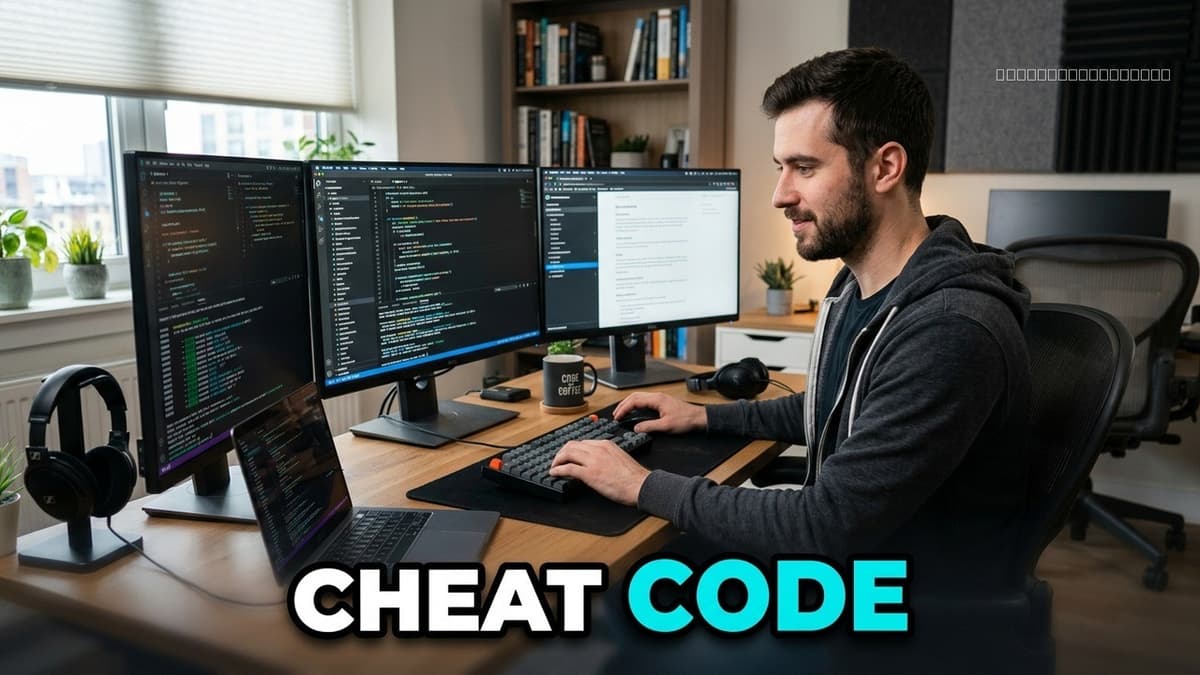

Integrating AI coding agents into VS Code transforms developer workflows. Discover practical steps and frameworks for optimal setup. Based on real world insights and 709+ tools.
