
Blog
@sukiwatanabe
TL;DR
"Built AI apps in weeks? Learn how to design useful AI apps fast in 2026. Avoid common UX traps and build AI products people actually *want* to use. Suki Watanabe's guide."
okay, real talk. everyone and their grandma is out here building like, twenty AI apps in a week. you saw the youtube title, right? 💀 "i built 20 ai apps in weeks here's what nobody tells you." and honestly, the speed is wild. it's genuinely impressive how quickly you can spin up something with Claude Code or whatever new agent framework just dropped.
but let's be real. just because you *can* build it fast, doesn't mean anyone's gonna *use* it. or that it'll actually, like, solve a real problem. the vibe check for most of these "fast built" apps? they feel…incomplete. like a demo that never graduated to production. so, how do we fix that? how do we go from "i built a thing" to "i built a *useful* thing"?
the tooling right now is insane. you can literally prompt an agent to scaffold an entire application, connect to APIs, even write basic tests. it's a huge shift. the technical barrier to entry for building *something* with AI is lower than ever. this is why we see so many "i built x apps" videos pop up.
but here's the tea: that speed often masks a serious design debt. you can get the code working, sure. but is it intuitive? does it fit into a human workflow? does it even make sense to use? most times, no. i was genuinely surprised when my team tried an internal "AI assistant" built super fast. it was technically functional, like it pulled data and stuff, but the interface was just a basic chat window. i had to keep re explaining context, it forgot things after two turns, and honestly, i just went back to doing it manually. it was quicker than fighting with the "AI".
this isn't a knock on the tech itself. Claude Code is powerful, and agent frameworks are pushing boundaries. but the *design* aspect, the human experience part, that's still on us. and its where a lot of these rapid builds fall flat.
so, why do so many AI apps feel like they skipped leg day on the UX front? it's a few things, but mostly, its because we're still figuring out this new interaction model. it's not just about buttons and menus anymore.
honestly, the whole "AI is more than just hype" thing? it's true, but only when the UX makes it feel that way. without good design, it's just a bunch of fancy algorithms doing.. stuff.
so, how do we make these AI apps actually useful? it's not some secret sauce. its thoughtful design. we need to move past the "chatbot in a box" mentality and think about true agentic design. this is my coined term for designing not just for the human user, but also for how the AI agent itself "experiences" and executes the workflow. it's like being a director for a digital assistant.
the interface is where all this magic happens, or where it totally falls apart. you can have the smartest AI model, but if the UI is a dumpster fire, no one's gonna stick around. it's about making the complex feel simple. think about the tools you actually *like* to use, like Canva for design or even Midjourney with its seemingly simple prompt interface that hides deep complexity.
integrating AI into existing business workflows also means using tools that connect everything. think about the power of workflow automation tools like n8n or Make (Integromat). they let you connect your shiny new AI app to your CRM, your project management tools, your email. the AI app becomes a supercharged node in an existing system, not a standalone island.
the ultimate metric isn't how many apps you built, or how quickly. it's about impact. is your AI app actually making things better? for business productivity, that means tangible results.
it's easy to get caught up in the shiny new thing. the speed, the raw power of AI. but the real flex is building one truly impactful AI app, not twenty half baked ones. focus on the human, focus on the workflow, and design for genuine utility. that's how you make AI stick, and how you make it genuinely productive for your business.
want to see how other companies are tackling AI productivity? check out our AI Productivity Guide for more insights and to browse 600+ AI tools.
You can improve your AI app's UX by focusing on clear purpose, intuitive interfaces beyond just text prompts, automatic context retrieval, effective feedback loops for corrections, and ensuring it integrates smoothly into existing human workflows. Prioritize user testing and iterative design.
Common mistakes include lacking a clear value proposition, over relying on chatbot interfaces, failing to provide sufficient or persistent context, ignoring how users actually work, and not building in clear ways for users to correct or guide the AI's output. Many designers also overlook the importance of explaining AI decisions.
Building AI apps fast can be good for rapid experimentation and prototyping, but it doesn't automatically guarantee productivity gains. If the quickly built apps lack thoughtful UX, clear purpose, or fail to integrate into existing workflows, they can introduce more friction and ultimately hinder, rather than help, productivity.
AI design tools, like those found in Canva or Figma AI, boost productivity by automating repetitive tasks, suggesting design elements, generating creative options, and helping to quickly prototype interfaces. They allow designers to focus on higher order problem solving and user experience rather than manual execution, accelerating the design process for useful AI apps.
Weekly briefings on models, tools, and what matters.
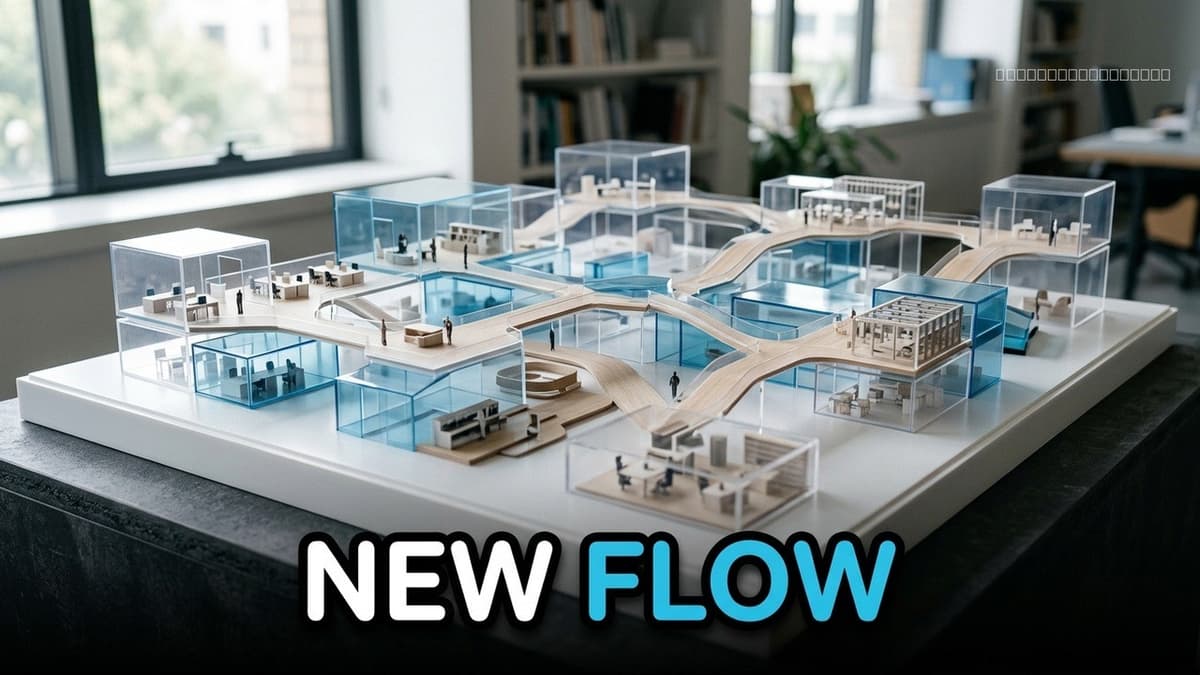

Are AI agents truly transforming team collaboration? We explore the neural shifts and practical benefits of agentic workflows. Amara Chen shares insights from 651+ AI tools.


AI chatbots are failing at real business productivity. Discover what agents and automation offer instead. Based on 651+ tools tracked.


Implementing multi agent AI workflows for small business is key for 2026. Discover how to move beyond chat with practical, staged AI systems to save hours weekly. AIPowerStacks insights.
